

Build your LinkedIn profile from scratch
Featured, recommendations and contact info
The last sections, and how to ask for a recommendation.
Featured
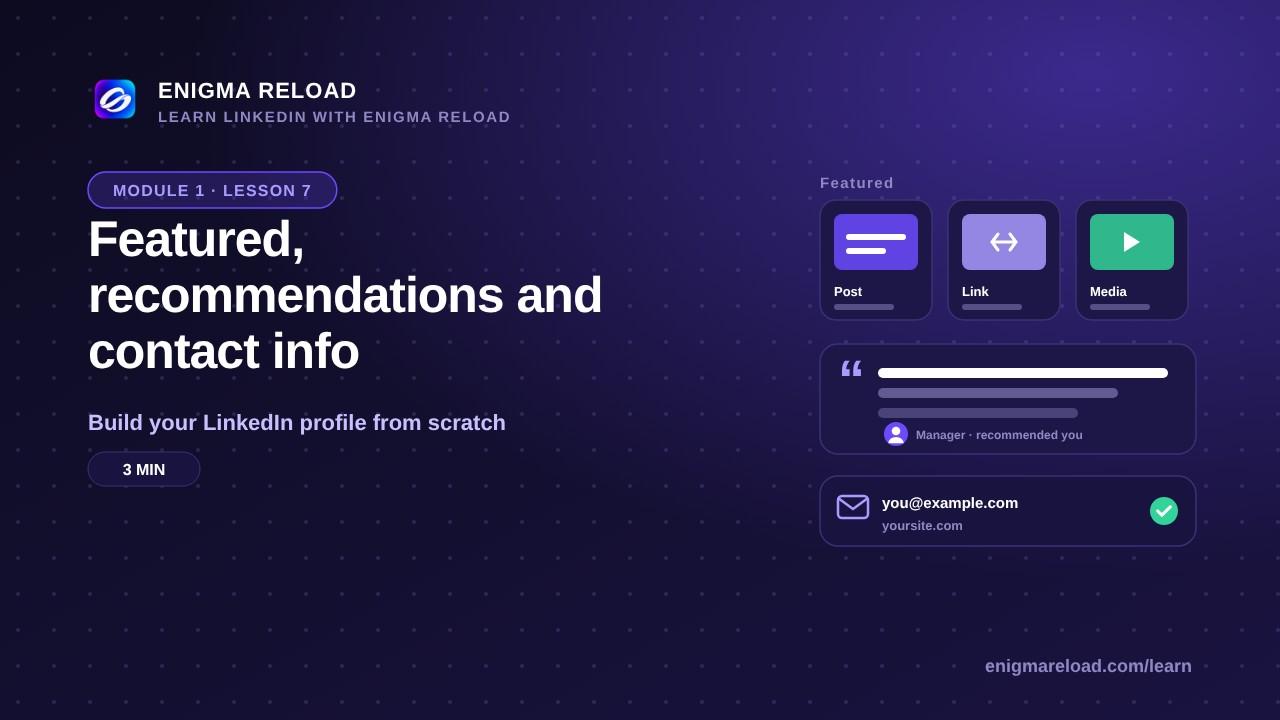
Featured is the showcase that sits right under your About. Add profile section, Recommended, Add featured, then choose Post, Article, Link or Media. What goes here: a project you are proud of, your portfolio or website, a certificate, a talk you gave, or your best post. Students: a class project, a GitHub repo or a design.
For a link, paste the address, give it a clear title and one line that says what it is, and save. Two to four items is the sweet spot, and put your best one first: the first card gets seen the most.
Recommendations
Add profile section, Recommended, Add recommendation, then Ask for a recommendation. Pick a connection, choose your relationship and your position at the time, and write a short personal message. Ask two or three people who actually worked with you: a manager, a teacher, a client. And give one first: write a recommendation for someone, and most people return the favor.
A three-line request you can copy: "Hi [name], we worked together on [project] in [year]. If you can, I'd love a few lines about [the one or two things you want them to mention]. Thank you so much."
Contact info
On your intro card, click the pencil, then Edit contact info. Add your email (the one you actually check), your website (a personal site, a portfolio or your company's page) and, if you want, your phone. Birthday is optional; if you add it, keep it visible to you only. Who can see your email is a visibility setting, set to Connections in lesson 6.
The rest of Recommended
Projects, Volunteer experience, Languages, Courses, Honors & awards: add what is true and skip the rest. A short, honest list beats an empty one, and it beats a padded one too.
Module 1 is complete. Top to bottom you now have a photo and banner, a headline, an About, your experience, education and skills, Featured, recommendations and contact info. Run a free scan to get your score and see what to fix first.