
Learn
Learn LinkedIn with Enigma Reload
A free course on building and optimizing your LinkedIn profile: short videos with written guides, a checklist for each lesson, and one action in Enigma Reload. 27 lessons, about 91 minutes.
Module 1 · Build your LinkedIn profile from scratch
Everyone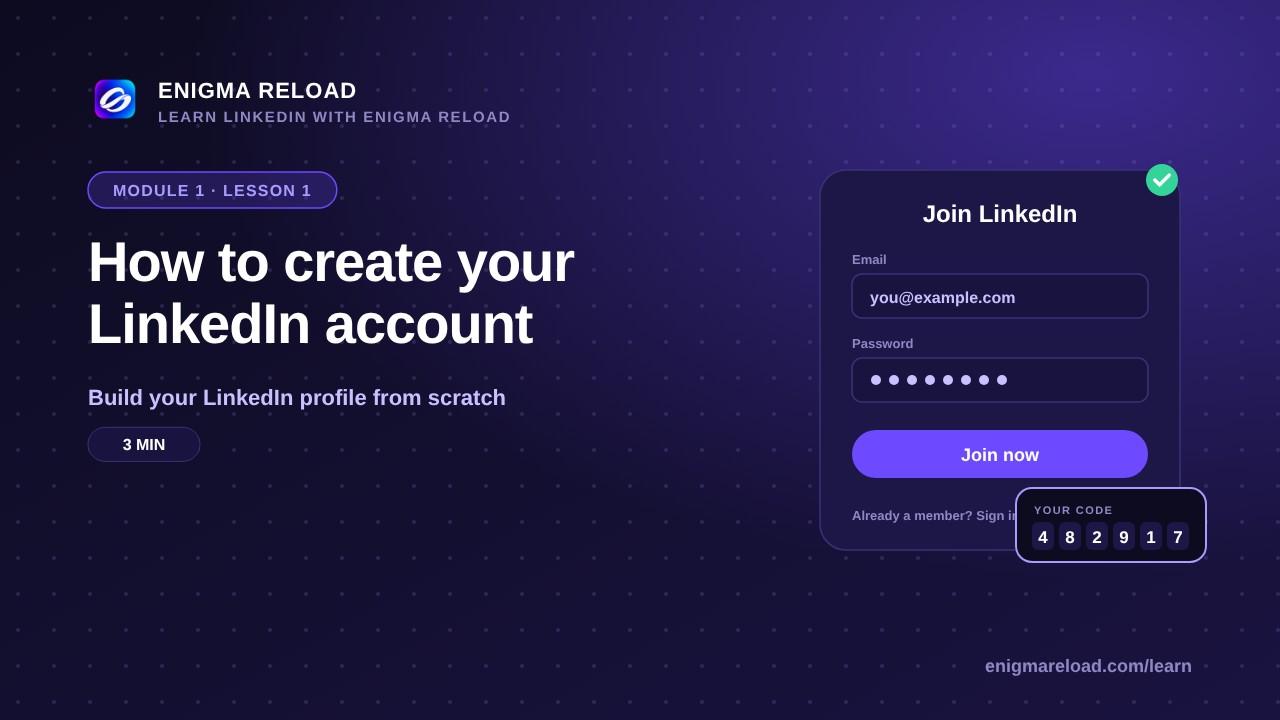 Lesson 1 · 3 minReady
How to create your LinkedIn account
What LinkedIn is, and the six steps to a working account: sign up, your name, location and role, the email code, a photo and your own address.
 Lesson 2 · 3 minReady
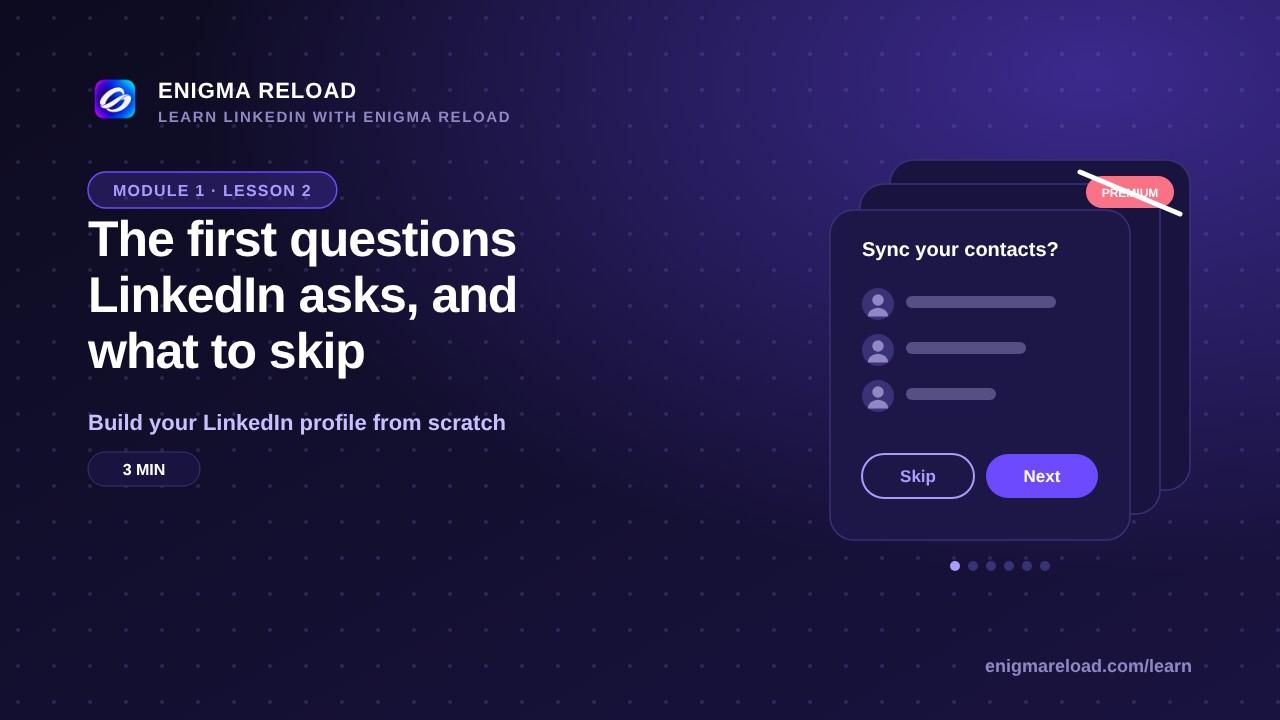
The first questions LinkedIn asks, and what to skip
Contacts, people to follow, Premium offers and notifications: what to answer now and what to leave for later.
 Lesson 3 · 4 minReady
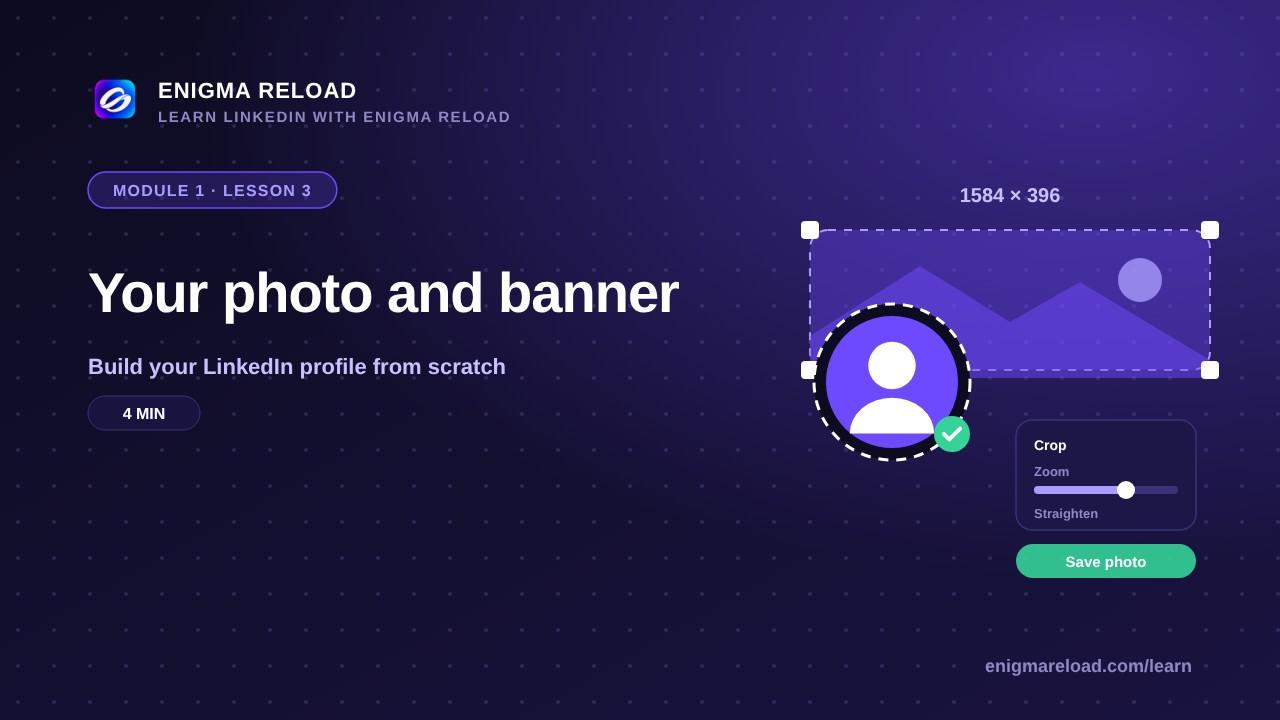
Your photo and banner
What to upload, the sizes that fit, and how to do it on a phone and a laptop.
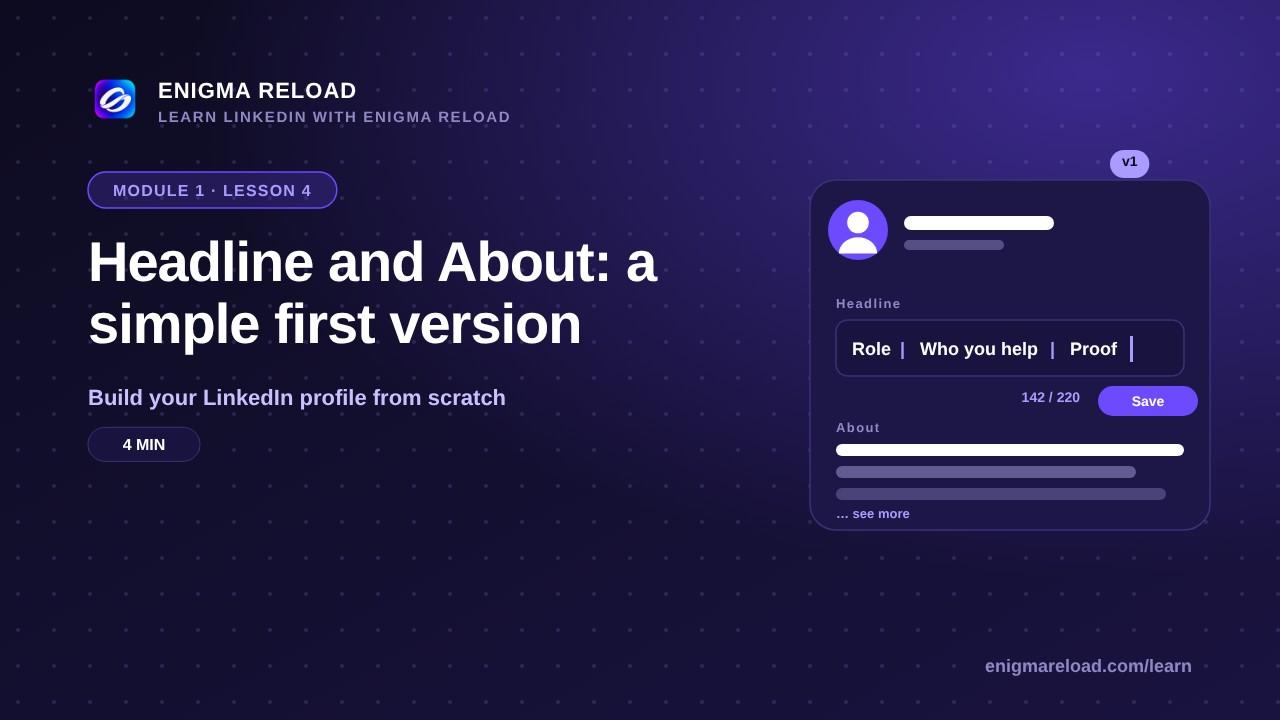 Lesson 4 · 4 minReady
Headline and About: a simple first version
Two lines you can write in five minutes, with a formula you will improve in Module 2.
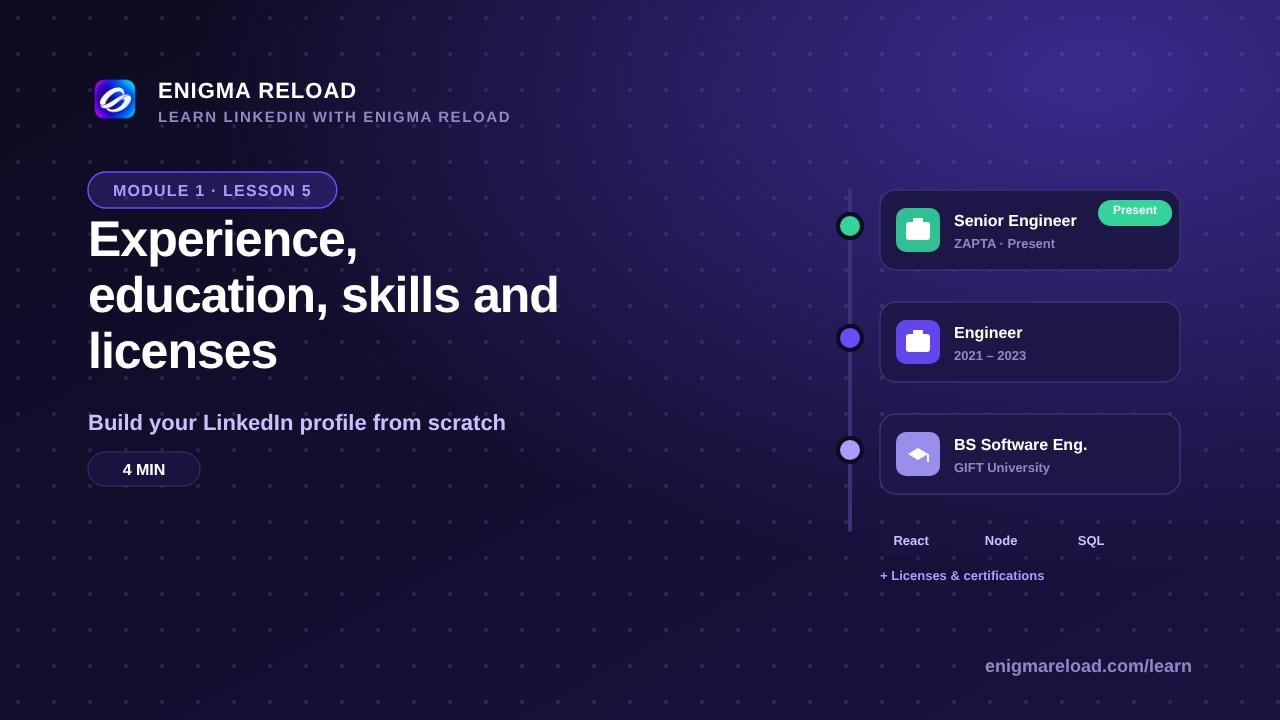 Lesson 5 · 4 minReady
Experience, education, skills and licenses
Adding each section, with the buttons named the way LinkedIn names them.
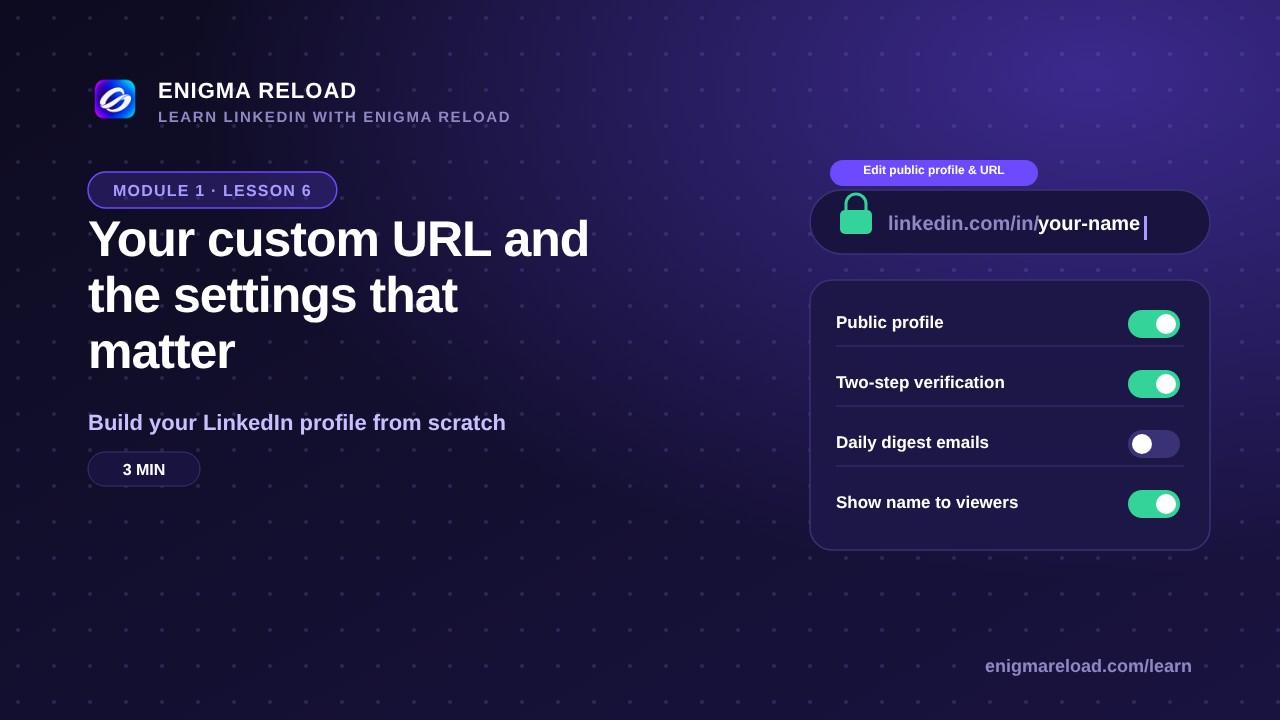 Lesson 6 · 3 minReady
Your custom URL and the settings that matter
linkedin.com/in/your-name, who can see what, and the notifications to switch off.
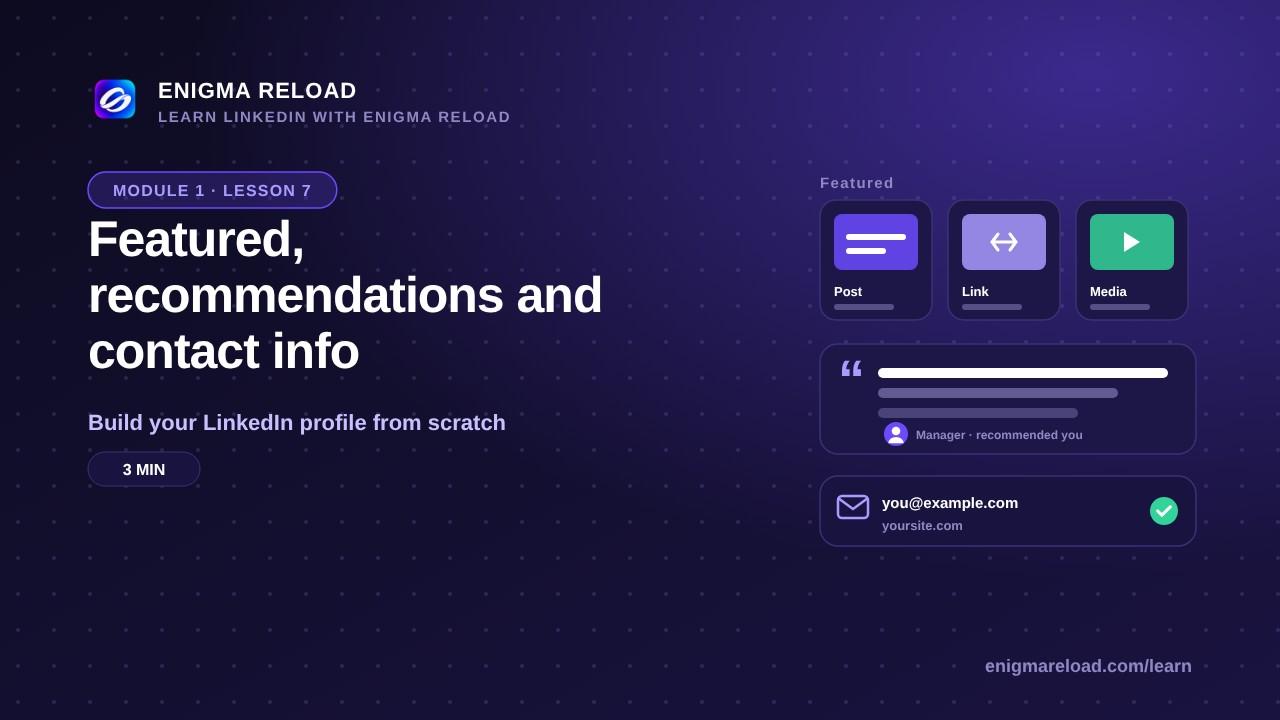 Lesson 7 · 3 minReady
Featured, recommendations and contact info
The last sections, and how to ask for a recommendation.
Module 2 · Optimize every LinkedIn profile section
Everyone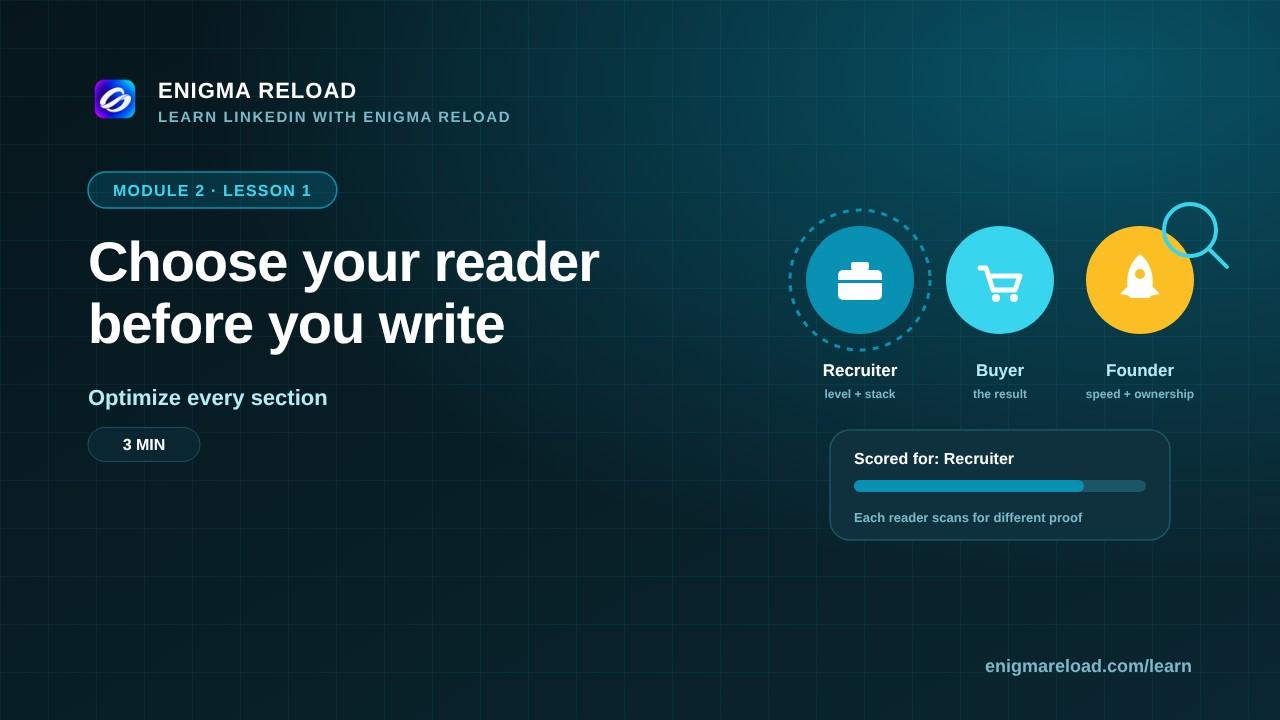 Coming soonLesson 1 · 3 min
Choose your reader before you write
Recruiter, buyer or founder: each one scans for different proof.
 Lesson 2 · 3 minReady
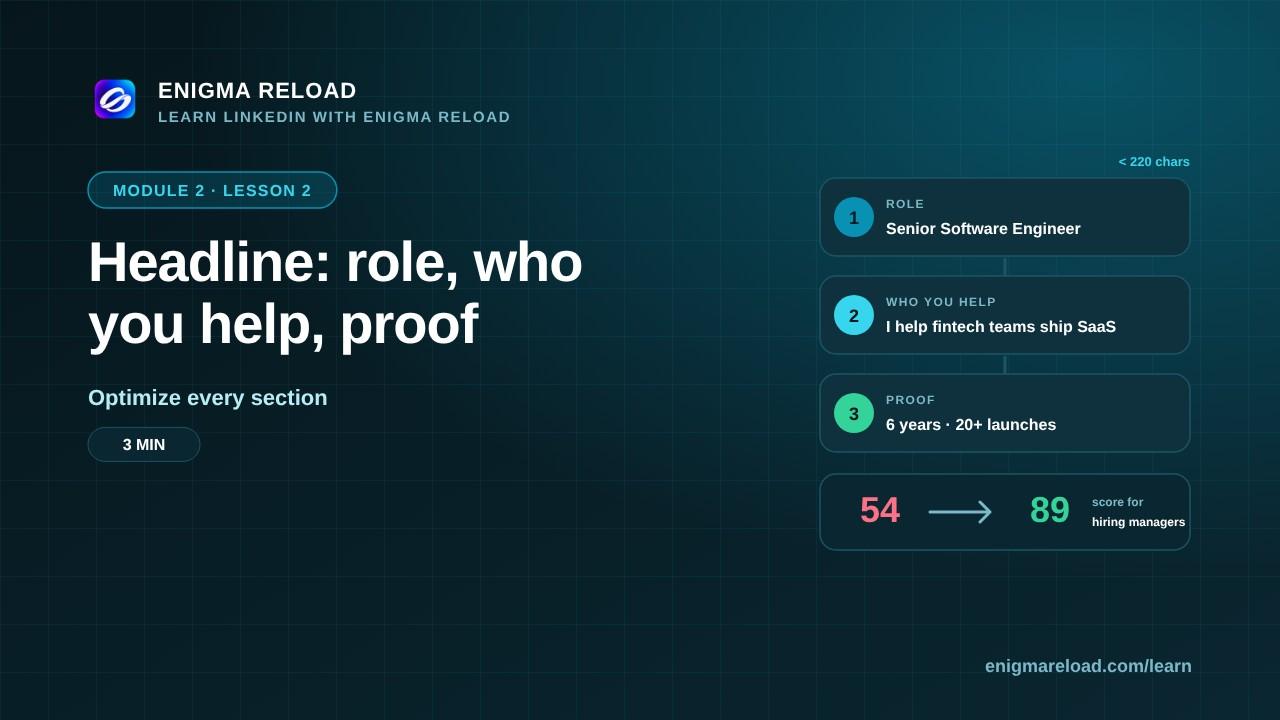
Headline: role, who you help, proof
The one line everyone on LinkedIn sees. A three-part formula, a before and after, and the mistakes to avoid.
 Coming soonLesson 3 · 4 min
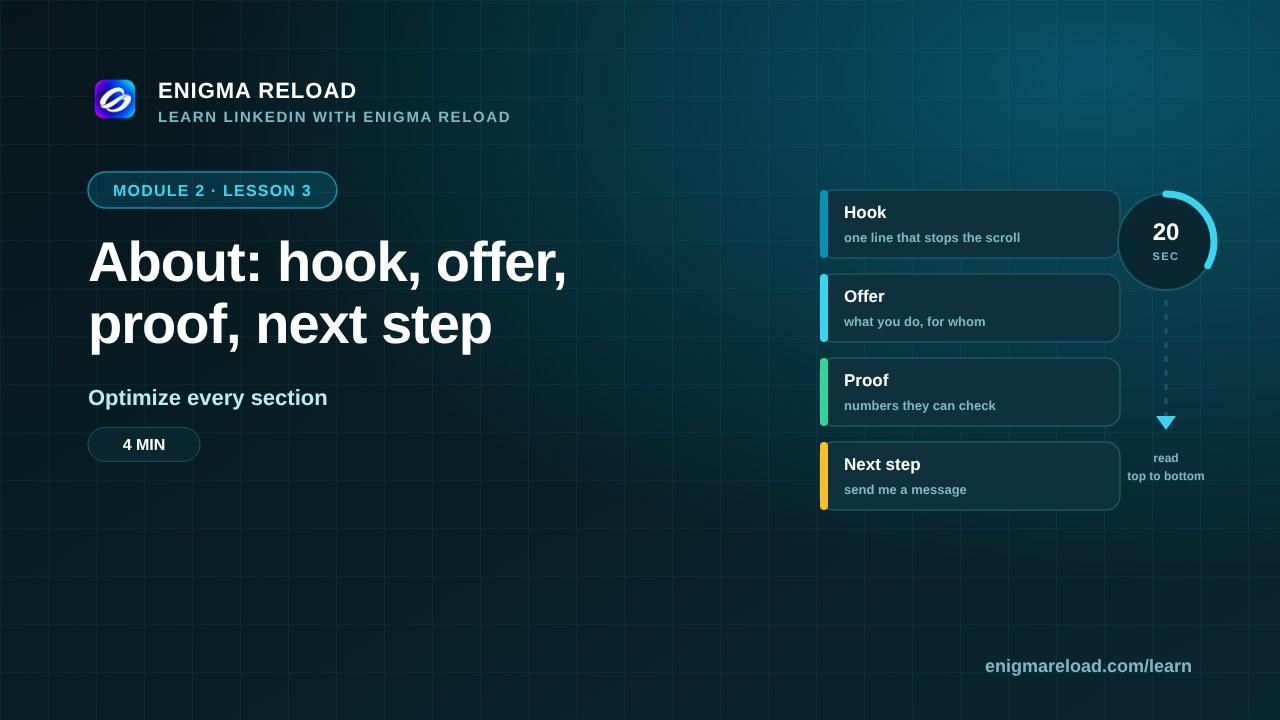
About: hook, offer, proof, next step
A four-part About section that reads in 20 seconds and ends with what to do next.
 Coming soonLesson 4 · 4 min
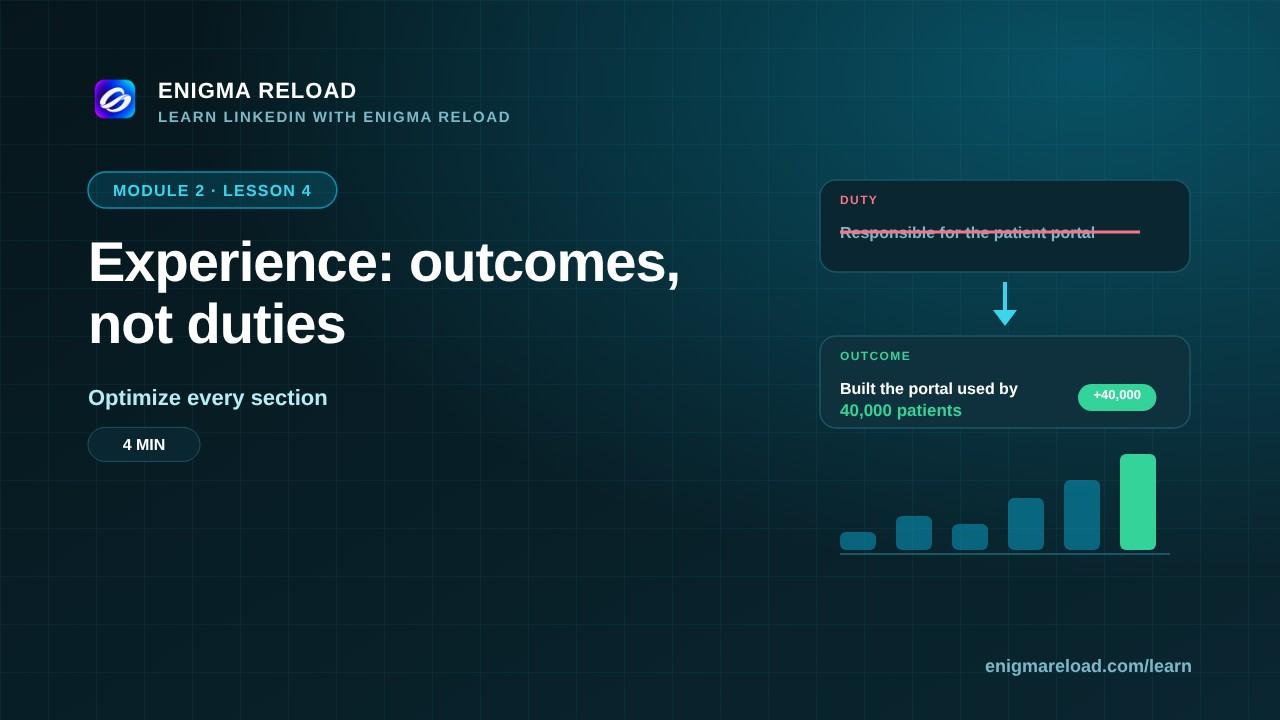
Experience: outcomes, not duties
Rewrite each role as results, with numbers your reader can check.
 Coming soonLesson 5 · 3 min
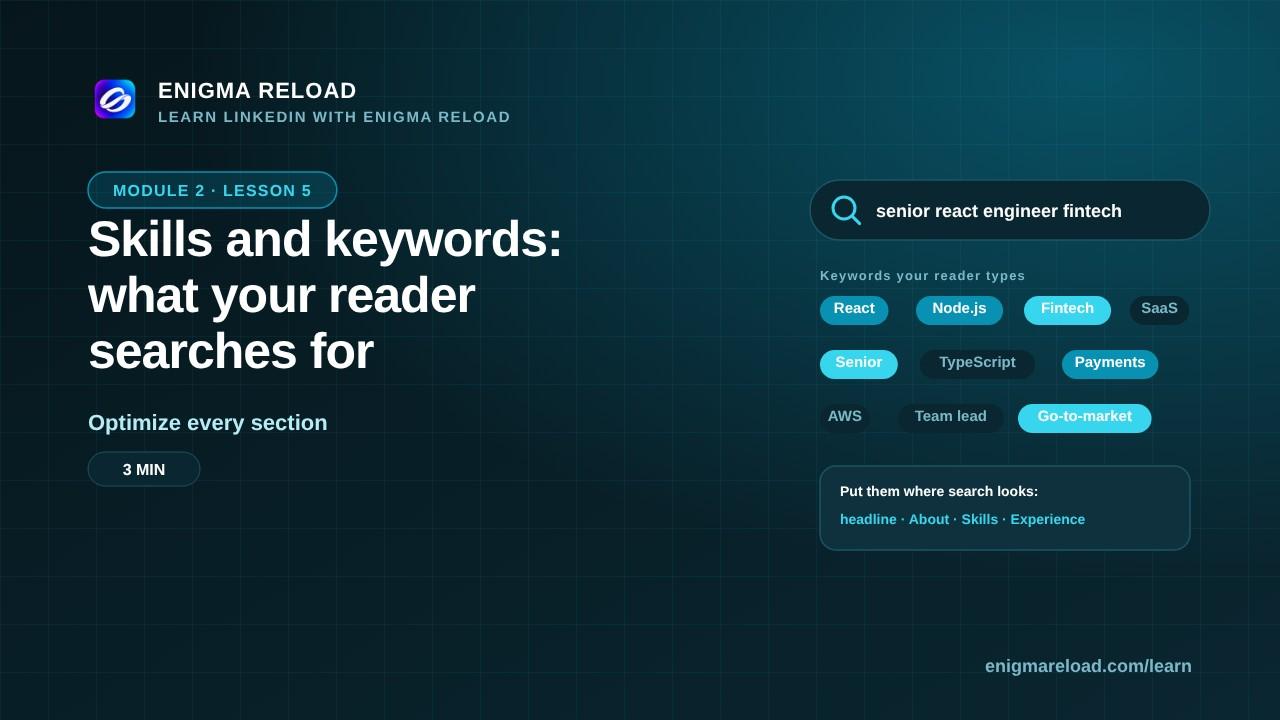
Skills and keywords: what your reader searches for
Find the terms your reader types, and put them where search looks.
 Coming soonLesson 6 · 3 min
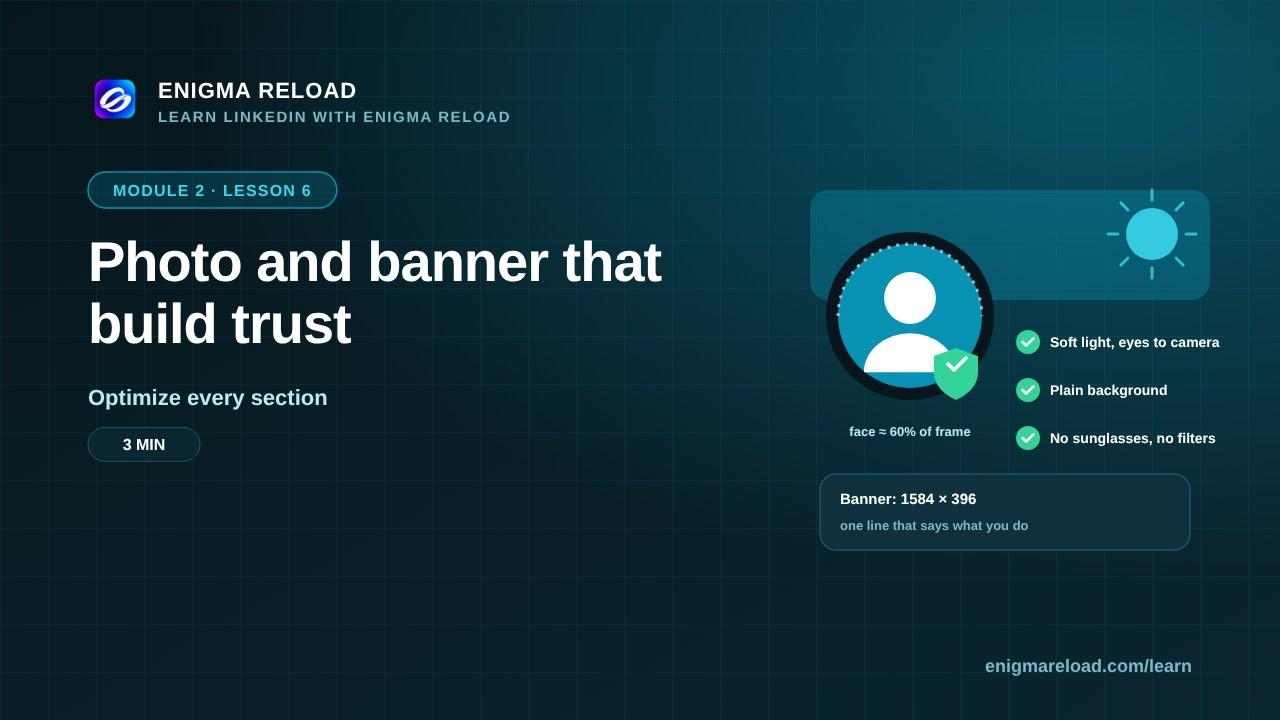
Photo and banner that build trust
What a good photo and banner do, and how to make them in minutes.
 Coming soonLesson 7 · 3 min
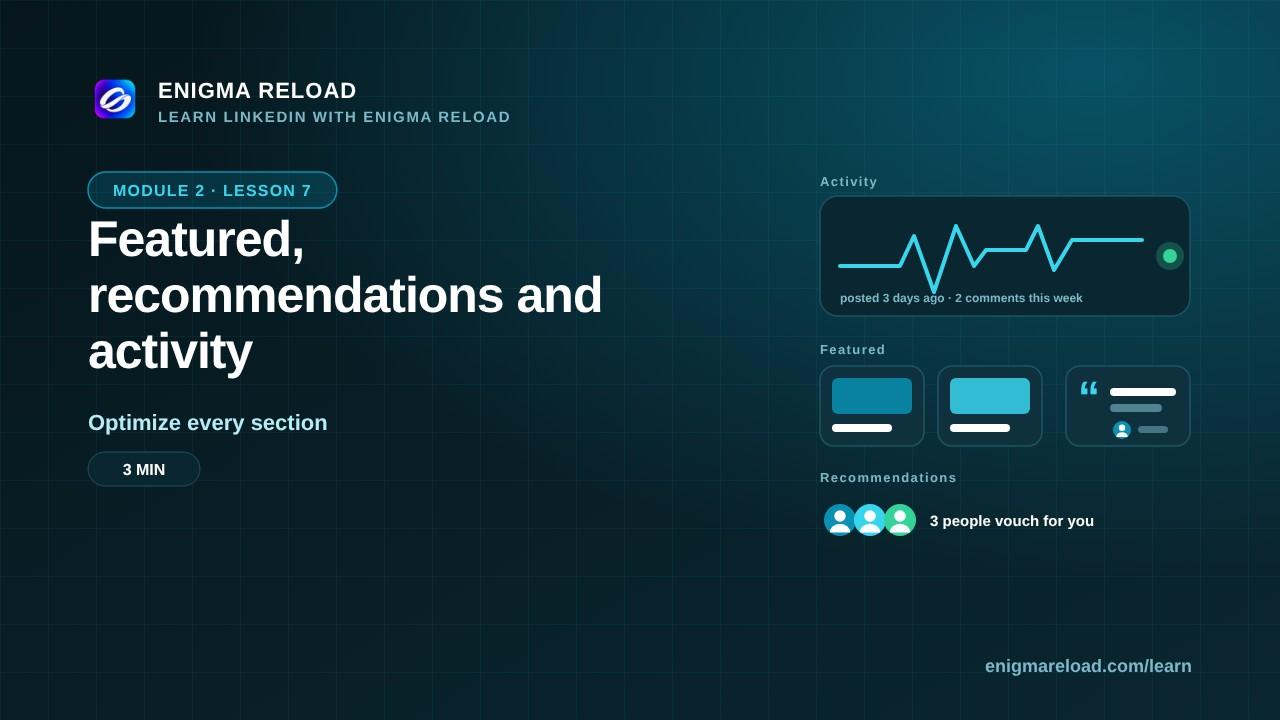
Featured, recommendations and activity
Proof above the fold, people who vouch for you, and a visible pulse.
 Coming soonLesson 8 · 3 min
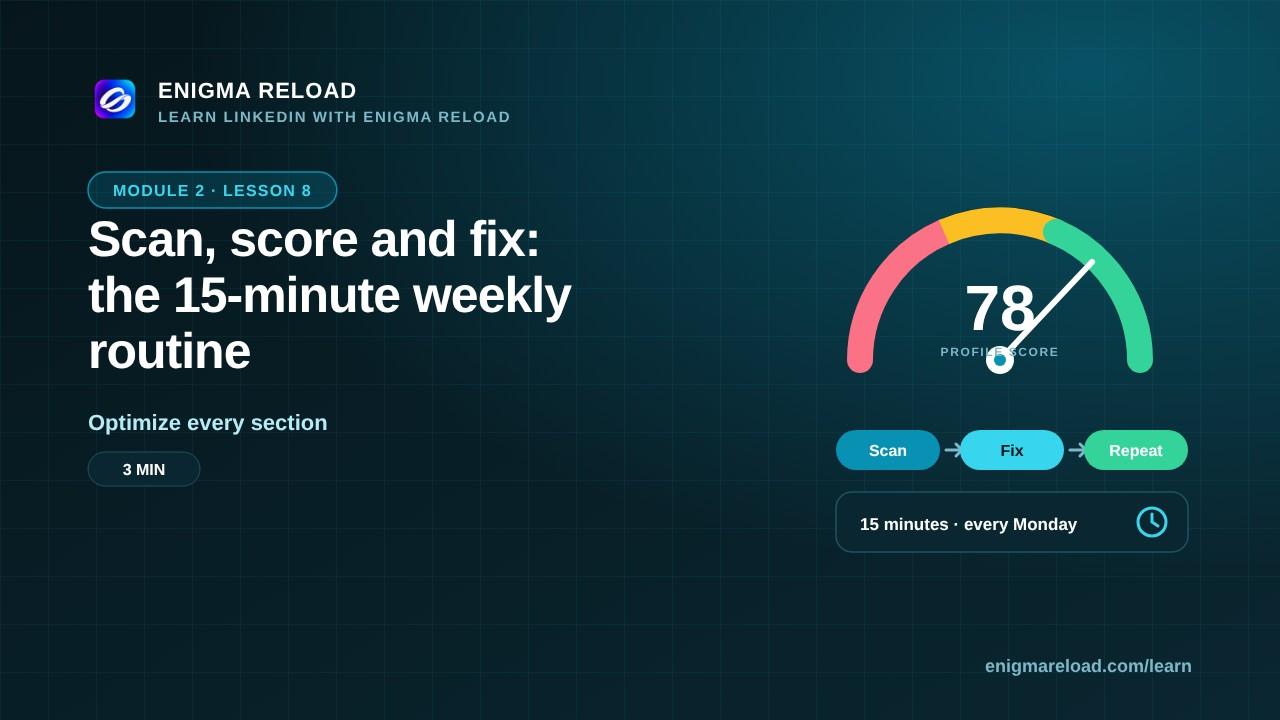
Scan, score and fix: the 15-minute weekly routine
A simple weekly loop with Enigma Reload so your profile keeps improving.
Module 3 · LinkedIn for students and fresh graduates
Students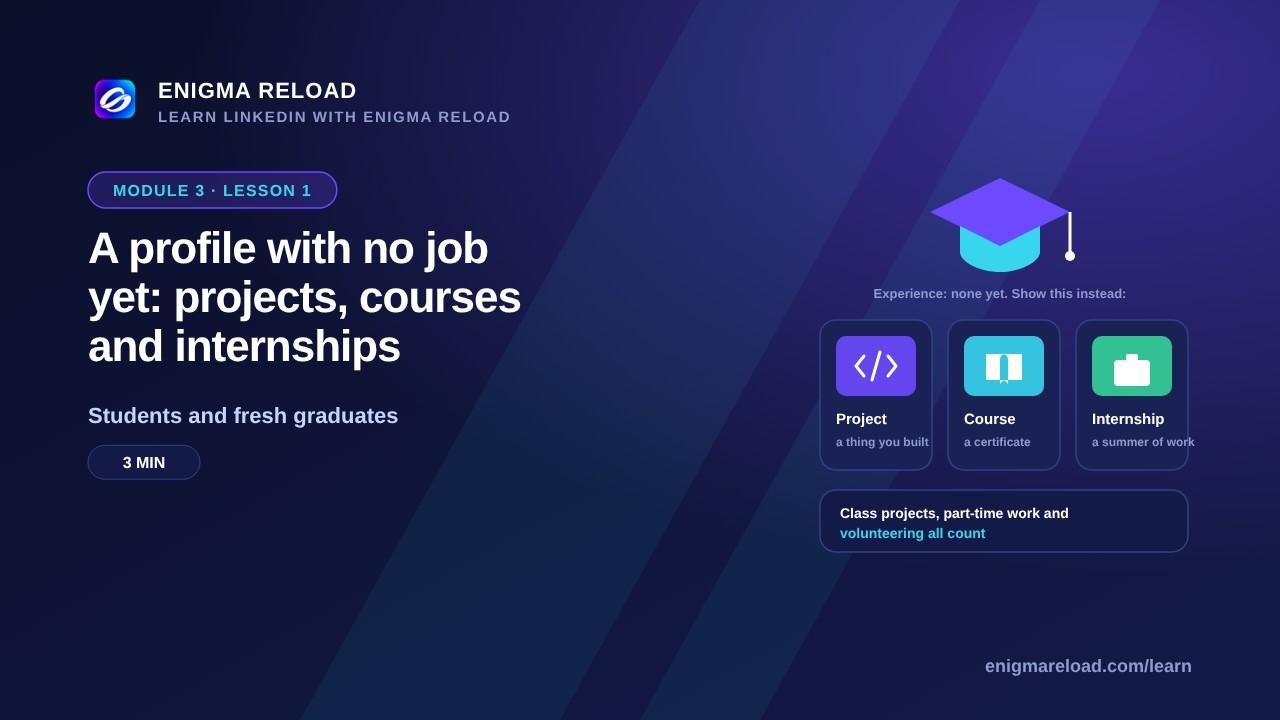 Coming soonLesson 1 · 3 min
A profile with no job yet: projects, courses and internships
What to show when you don't have experience yet.
 Coming soonLesson 2 · 3 min
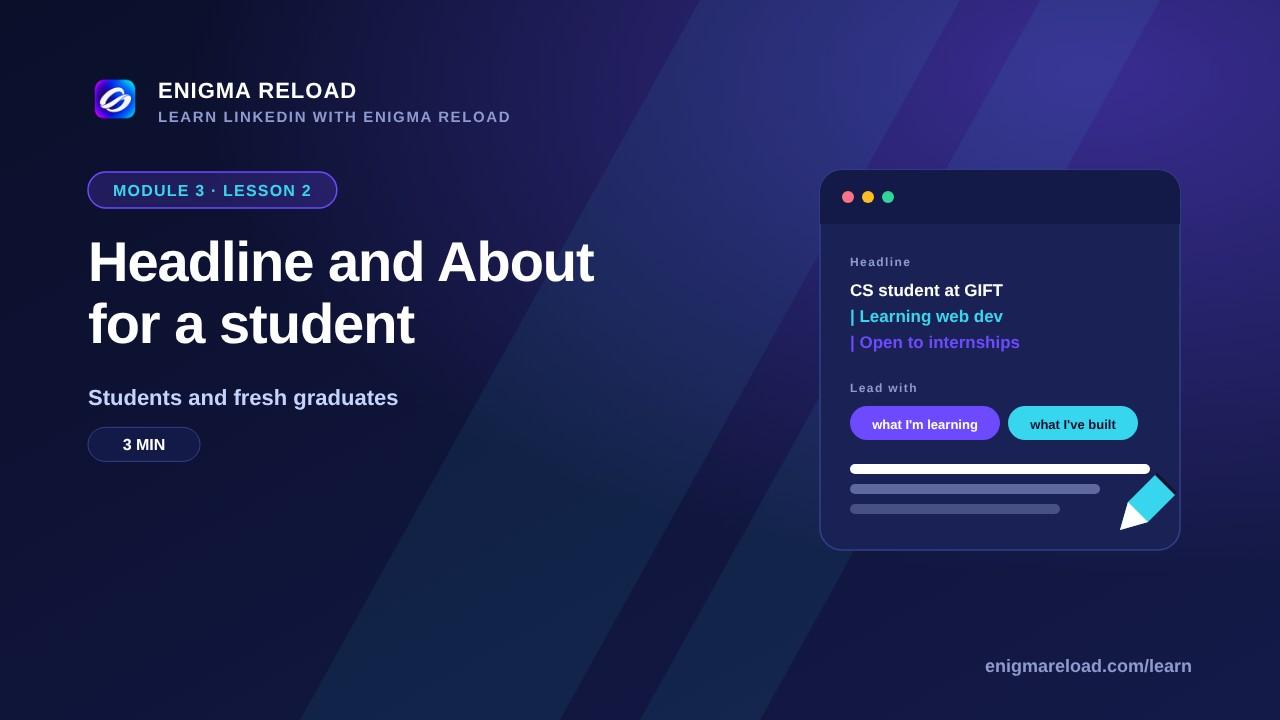
Headline and About for a student
Lead with what you're learning and what you've built.
 Coming soonLesson 3 · 3 min
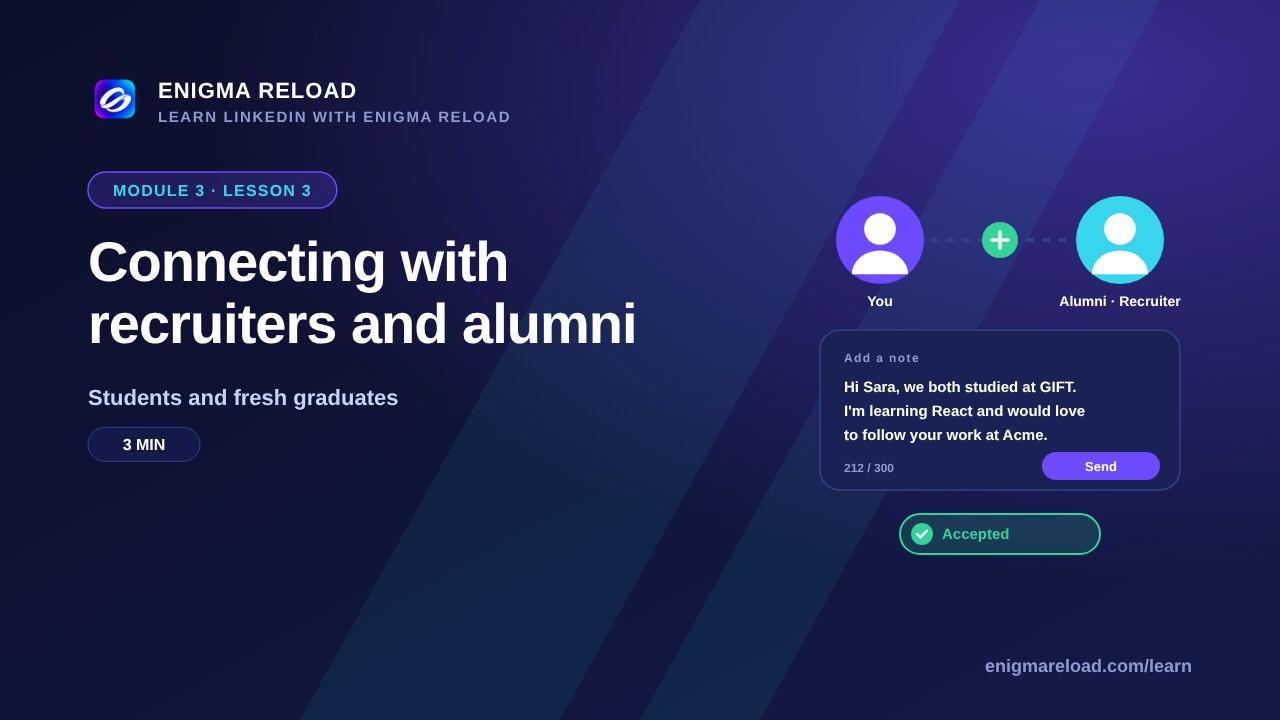
Connecting with recruiters and alumni
A polite, specific connection note that gets accepted.
 Coming soonLesson 4 · 3 min
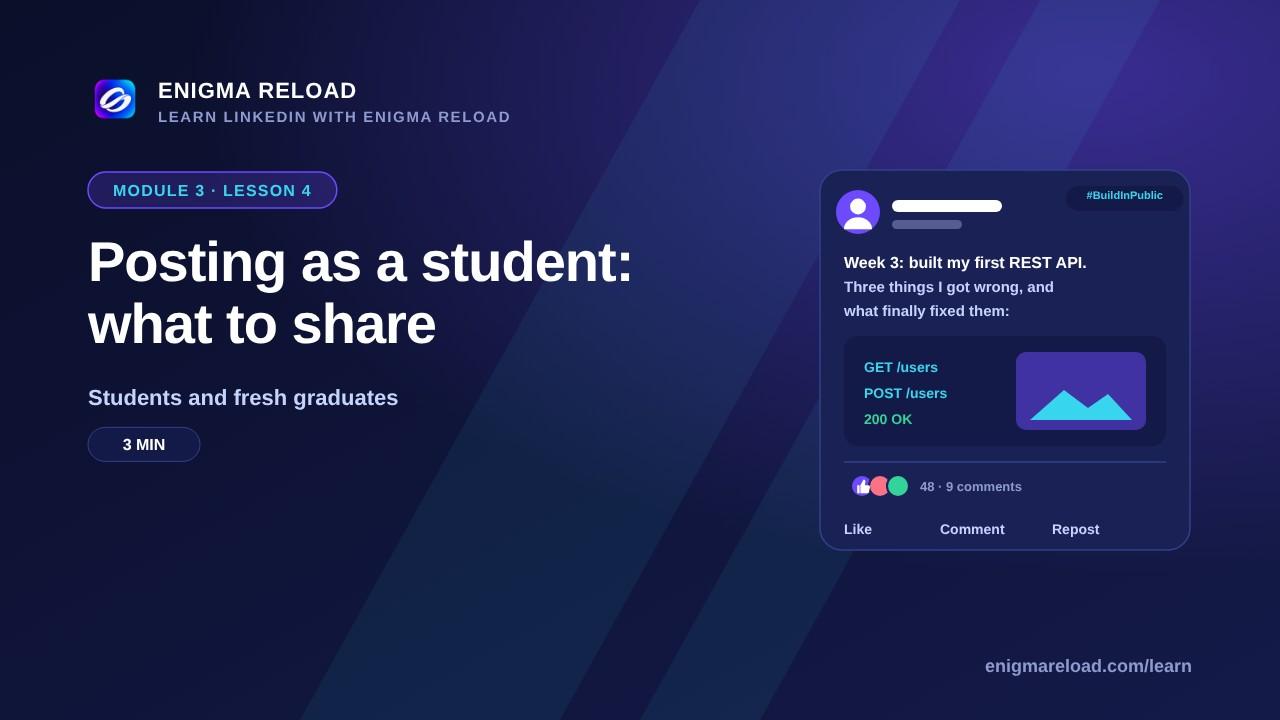
Posting as a student: what to share
Projects, lessons and progress: posts that show you're serious.
Module 4 · LinkedIn for entrepreneurs and founders
Entrepreneurs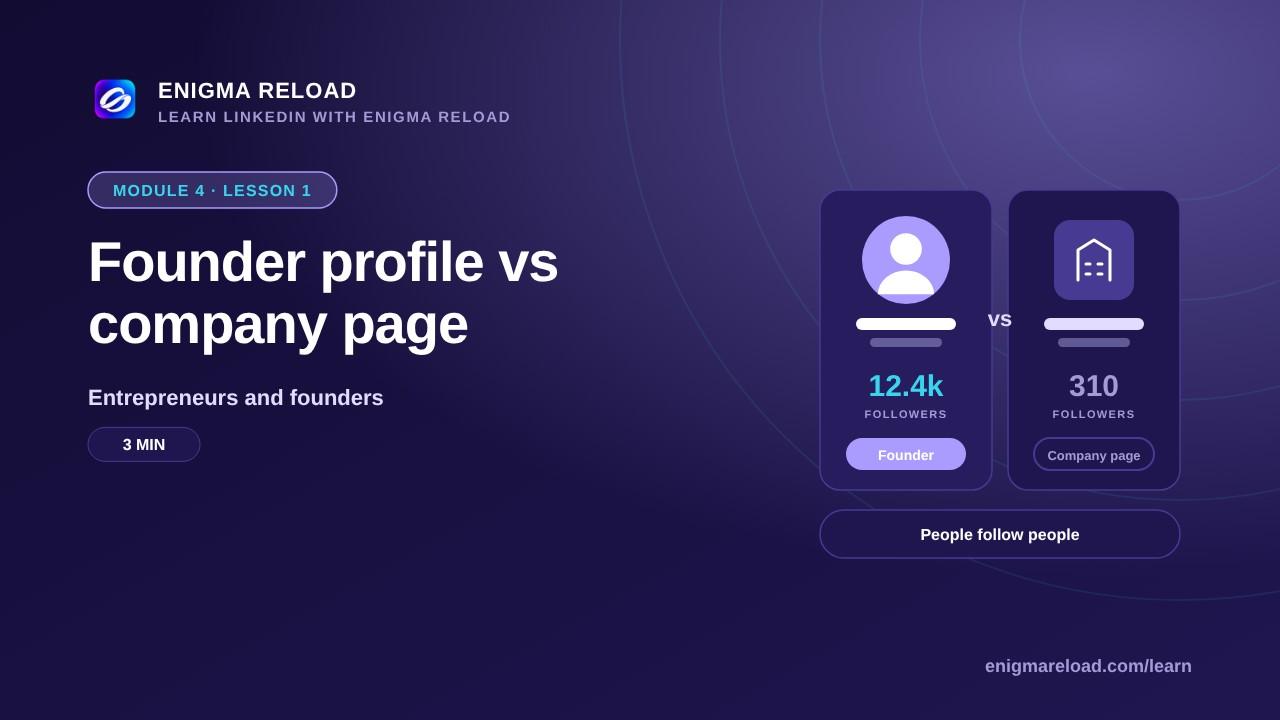 Coming soonLesson 1 · 3 min
Founder profile vs company page
Why people follow founders, and what belongs on each.
 Coming soonLesson 2 · 4 min
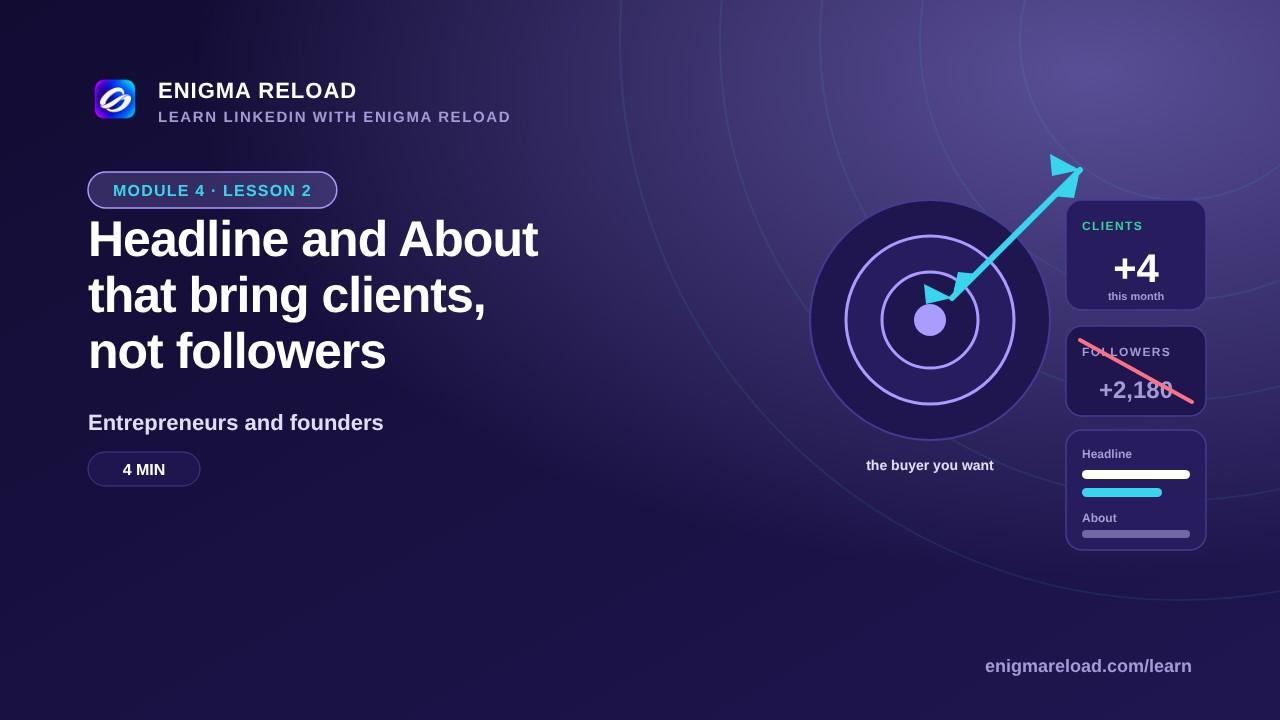
Headline and About that bring clients, not followers
Write for the buyer you want, with the result you deliver.
 Coming soonLesson 3 · 3 min
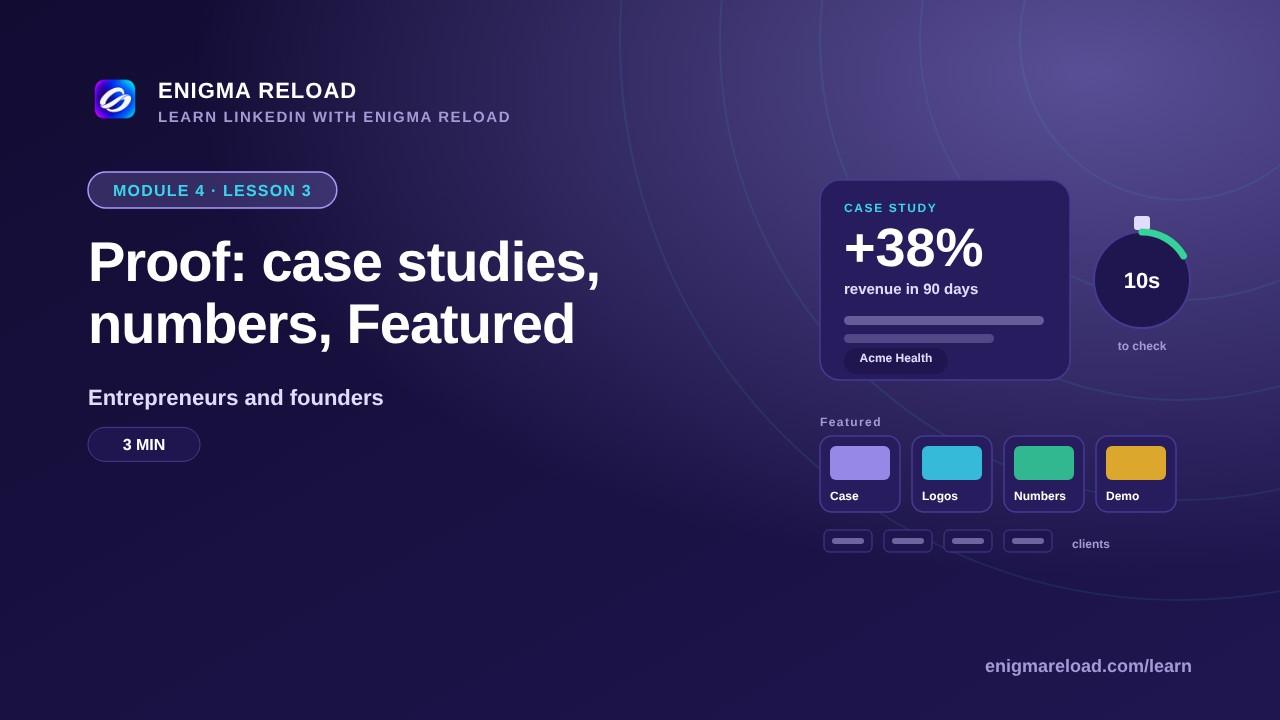
Proof: case studies, numbers, Featured
Turn your work into proof a buyer can check in 10 seconds.
 Coming soonLesson 4 · 4 min
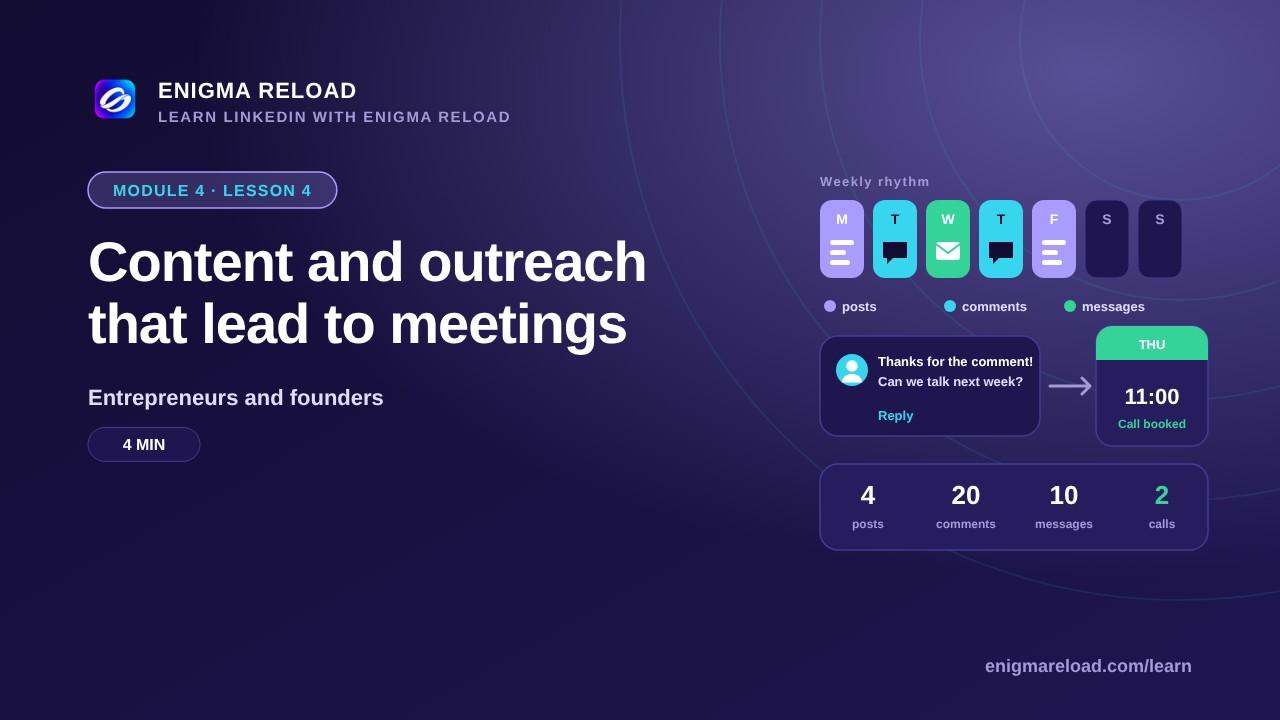
Content and outreach that lead to meetings
A weekly rhythm of posts, comments and messages that books calls.
Module 5 · LinkedIn for job holders and job seekers
Job seekers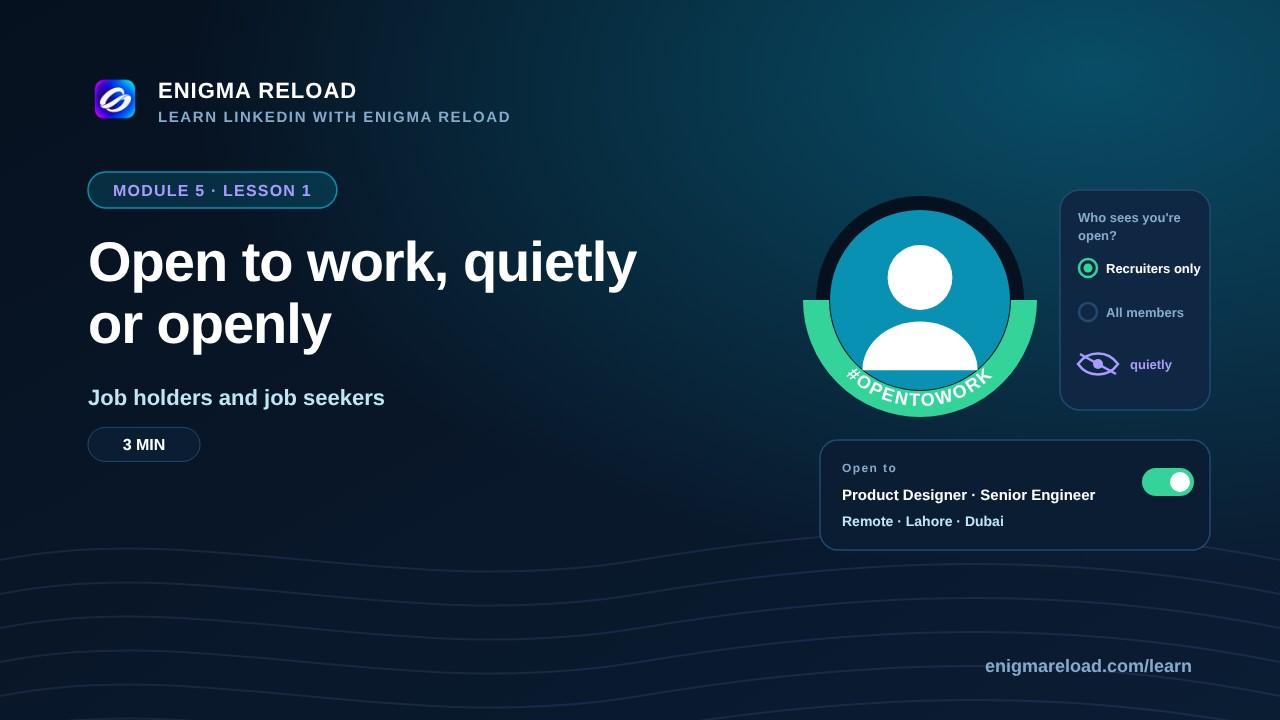 Coming soonLesson 1 · 3 min
Open to work, quietly or openly
The settings and signals that tell recruiters you're available.
 Coming soonLesson 2 · 4 min
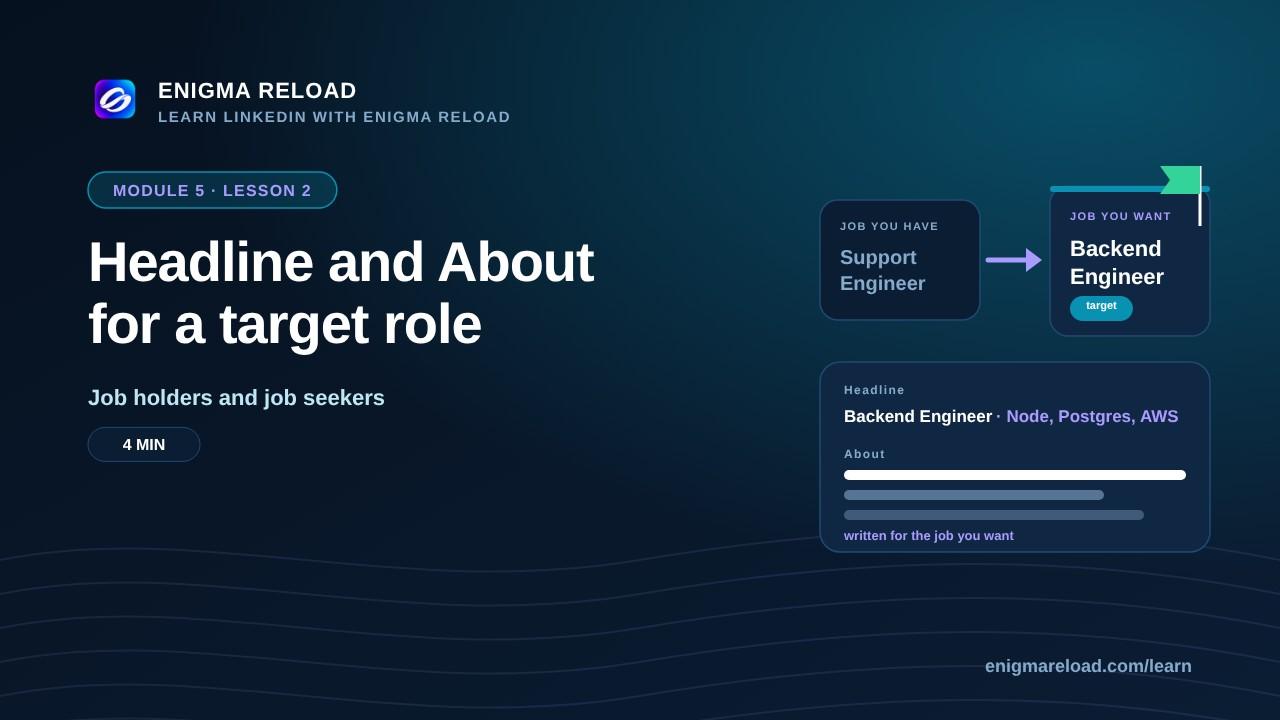
Headline and About for a target role
Write for the job you want, not the job you have.
 Coming soonLesson 3 · 4 min
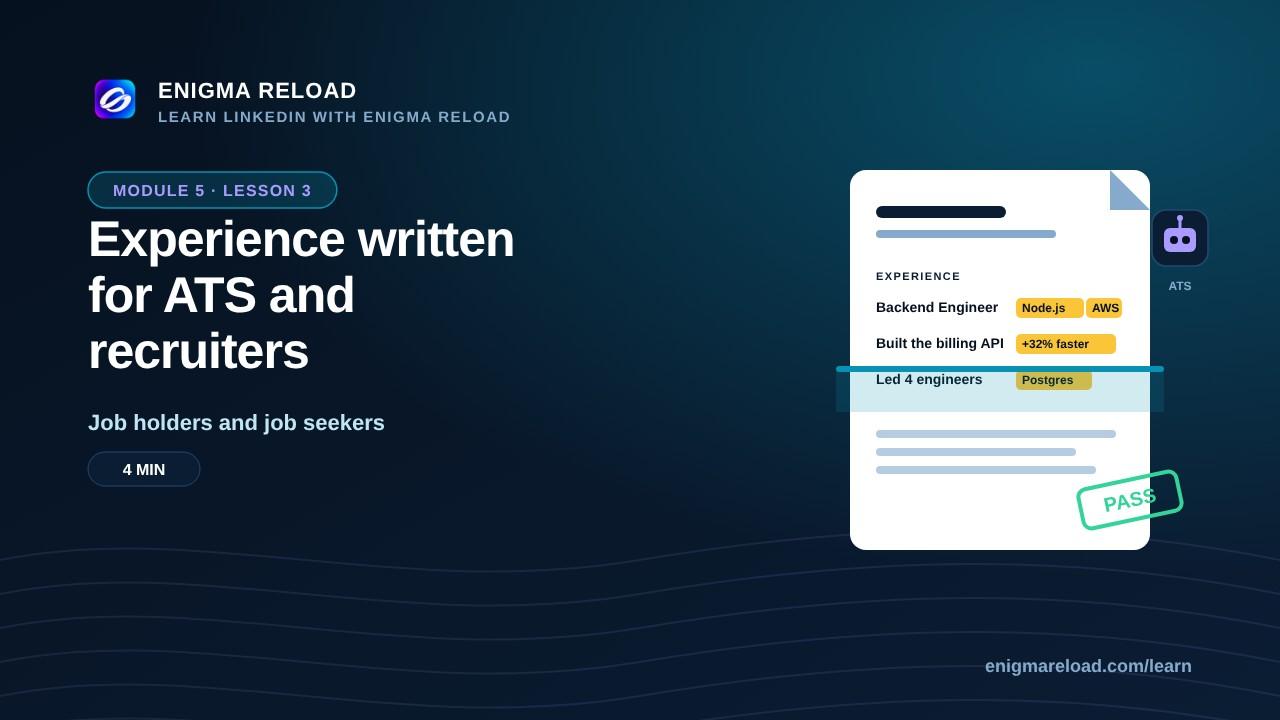
Experience written for ATS and recruiters
Keywords, results and structure that pass the first scan.
 Coming soonLesson 4 · 4 min
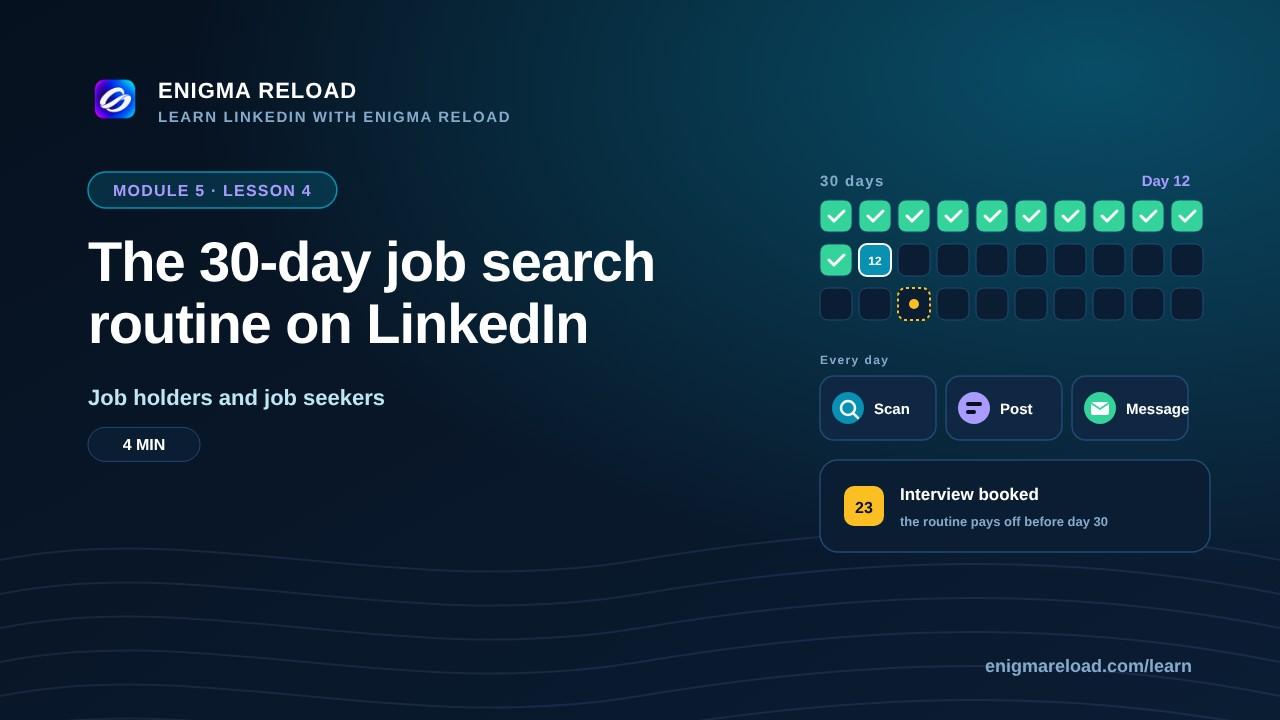
The 30-day job search routine on LinkedIn
A daily routine of scans, posts and messages that gets interviews.