
Build your LinkedIn profile from scratch
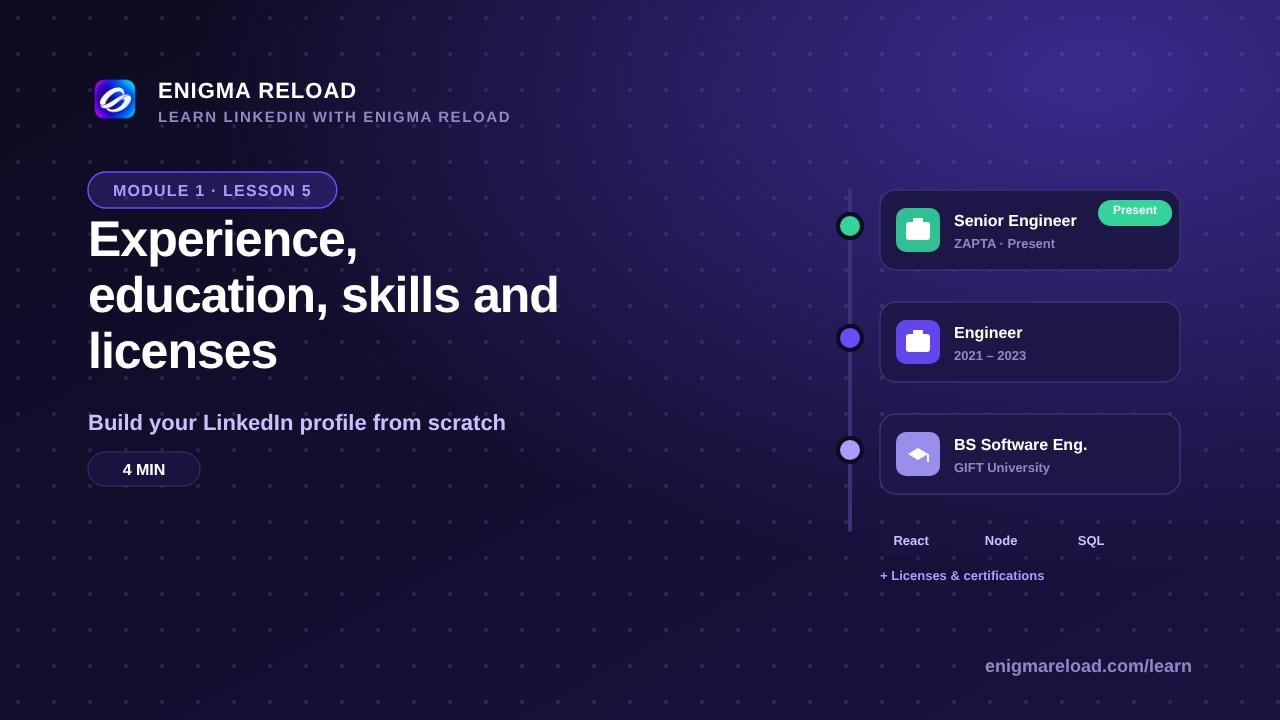
Experience, education, skills and licenses
Adding each section, with the buttons named the way LinkedIn names them.
Why these sections matter
Recruiters filter LinkedIn search by job title, company, school and skills. If your Experience section is empty, you do not show up for the title. If Education is empty, you do not show up for the school. An empty section is a closed door.
Experience
Click Add profile section, then Core, then Add position. The fields: Title, Employment type, Company or organization, the toggle "I am currently working in this role", Start date, End date, Location, Location type (On-site, Hybrid or Remote), Description and Skills.
In the Description, write 2 to 4 short lines: what you did, and one result with a number where you can, such as "Built the patient portal used by 40,000 users". Students: internships, part-time jobs, volunteer work and class projects all count. Keep at most 2 or 3 roles marked Present.
Education
Add profile section, Core, Add education. The fields: School, Degree, Field of study, Start and End dates, Grade (optional), Activities and societies. Add every school from college onward. The school name matters: recruiters and alumni search by school, and alumni are the easiest first connections you will make.
Skills, licenses and certifications
Add profile section, Core, Add skills. Type a skill and pick it from the list so it matches the name LinkedIn uses, and take the skills LinkedIn suggests from your roles when they are true. You can add up to 100, but start with 10 to 15 real ones. Only the top 3 show on your profile: open the Skills section, click the pencil and choose Edit the order to pin the three that match the job you want.
Add profile section, Recommended, Add licenses & certifications. The fields: Name, Issuing organization, Issue date, Expiration date, Credential ID and Credential URL. Certificates from online courses (Coursera, Google, Meta, AWS) are fine. Paste the credential URL so anyone can check it in one click.
Quick check: dates do not overlap strangely, every current role says Present and nothing else does, and the three pinned skills match your headline.