

Build your LinkedIn profile from scratch
Headline and About: a simple first version
Two lines you can write in five minutes, with a formula you will improve in Module 2.
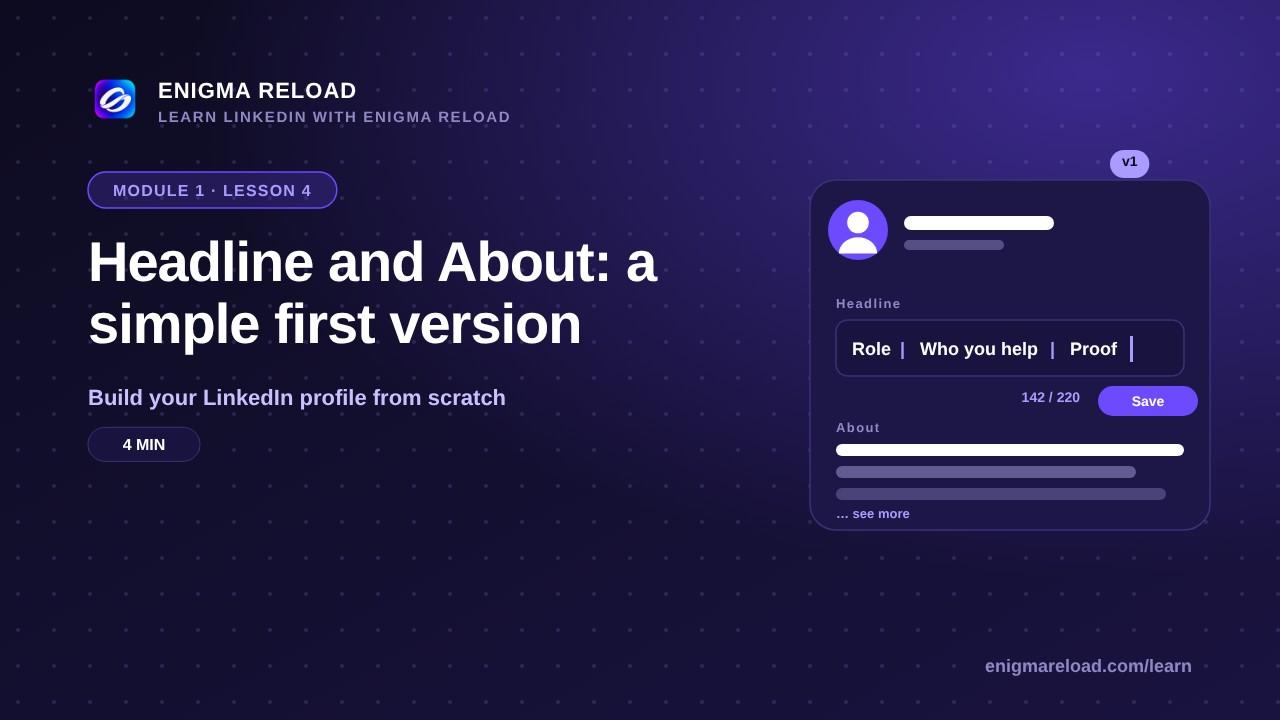
What the headline is
The headline is the line under your name, and LinkedIn shows it everywhere: in search results, next to your comments and in every connection request you send. It can be up to 220 characters. By default LinkedIn fills it with your job title at your company, such as "Software Engineer at ZAPTA Technologies". That is fine for day one, but it says nothing about what you actually do.
A simple formula for version one
Your role | who you help, or what you do | one proof, or one topic. Three parts, separated by a vertical bar.
Student: "Computer science student at GIFT University | Learning web development | Open to internships"
Professional: "Software engineer at ZAPTA Technologies | React and Node | I build web apps for healthcare clients"
Business owner: "Co-founder, Tallgrass Studio | Design for startups | 40+ launches since 2021"
Avoid "Seeking opportunities" on its own, a wall of hashtags, words like ninja or guru, and all caps. To edit it: open your profile, click the pencil icon on the intro card, change the Headline field and click Save.
The About section
Three to five short lines, in first person: what you do, who you do it for, one or two results, and how to reach you. Only the first three lines show before "see more", so put the point in the first line, not a greeting or a quote. The limit is 2,600 characters, but 600 to 1,000 is plenty for version one.
Template: "I [what you do] for [who] at [where], mostly with [tools or topics]. In the last [time] I [one or two results with a number]. I care about [one or two things]. If you [who you want to hear from], send me a message."
Example: "I build web apps for healthcare clients at ZAPTA Technologies, mostly with React and Node. In the last two years I've shipped three patient portals that now serve 40,000 users. I care about clean code and clear communication. If you're building something in health tech, send me a message."
To add it: on your profile, click Add profile section, choose Core, then Add about. Paste your text, read it once, and click Save.
This is version one
Module 2 goes deeper: a headline written for the reader you want, real proof, and the keywords recruiters search for. If you would rather not start from a blank page, Enigma Reload's rewrite tool drafts headline and About options for you.