

Build your LinkedIn profile from scratch
How to create your LinkedIn account
What LinkedIn is, and the six steps to a working account: sign up, your name, location and role, the email code, a photo and your own address.
3 minEveryone
What you'll do
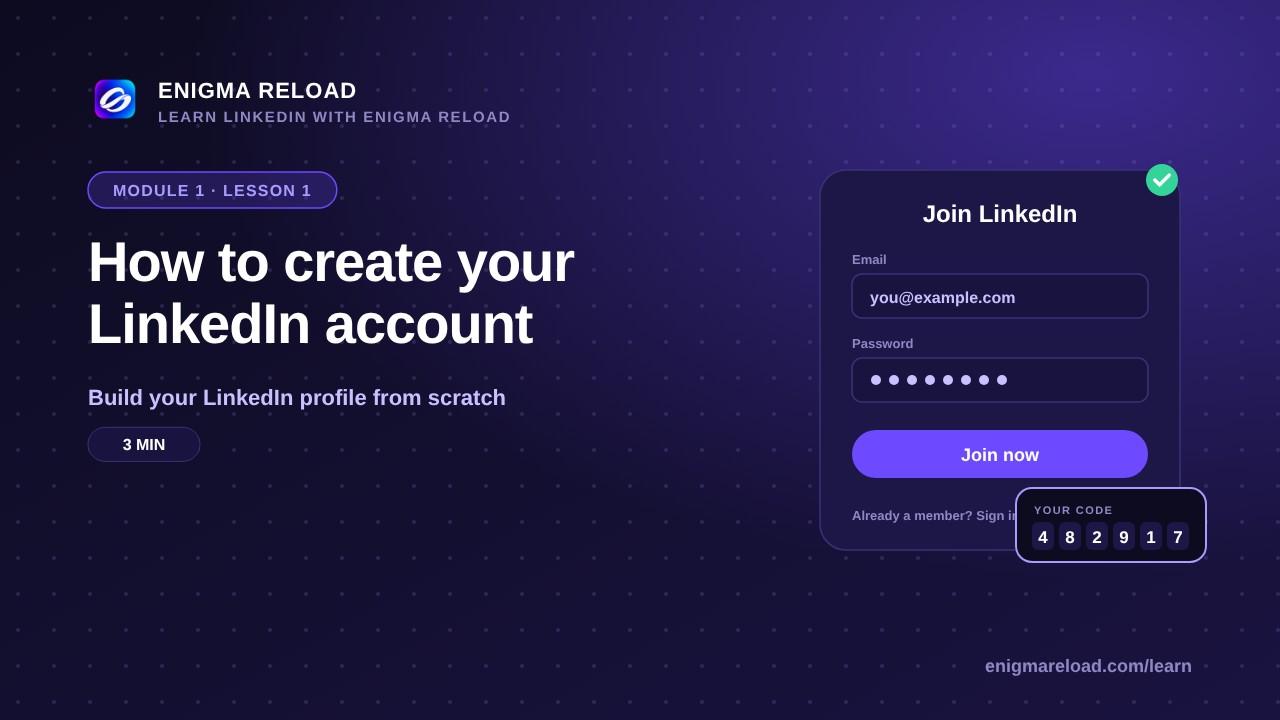
Open linkedin.com and click Join now. Enter your email, a password and your real name. Tell LinkedIn where you live and what you do, or switch on "I'm a student". Type the code from your email. Add a photo of your face, and set your own address: linkedin.com/in/your-name.
The full written guide, with what LinkedIn is, who it is for and the rules for your custom URL, is in the article below.